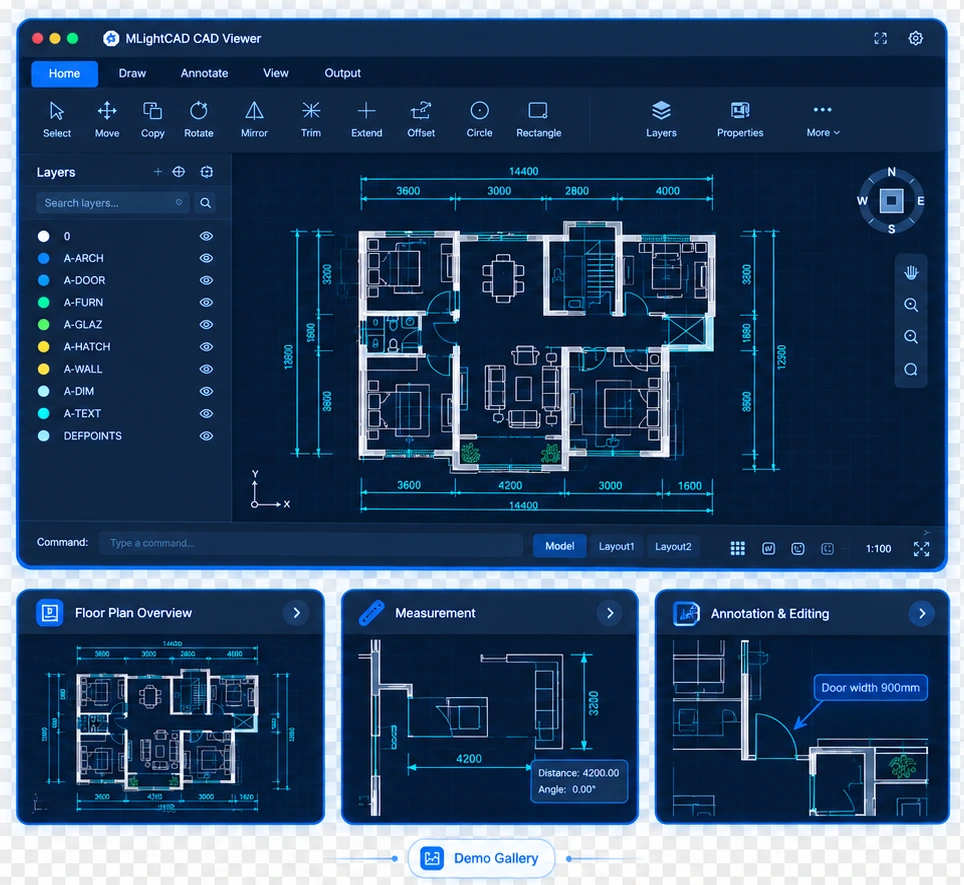
Convert your drawing in the browser
No backend
Self-contained
Offline
Turn a live drawing into a self-contained .html artifact with an embedded
viewer — pan, zoom, extents, layers, and distance measure. Parsing, rendering, and
packaging all run in this tab — never uploaded to a conversion server.
- Drag-and-drop or file picker for
.dwg / .dxf
- Recipients open it in any modern browser: no install, no cad-viewer instance, no server
- Export invisible layers, paper-space layouts, and view / measure mode
- Optional sample
canteen.dwg if you do not have a file handy
Open HTML converter
Conversion never leaves the browser. Fonts and templates may be loaded from the public
cad-data CDN. When serving this page locally, run pnpm build and
pnpm pre-serve so workers and viewer-runtime.iife.js are copied.
Canteen sample (self-contained HTML)
Single file
No install
Low memory
A ready-made DWG-to-HTML export of the sample canteen.dwg drawing.
Recipients open it in any modern browser — no CAD software, no server, and no
product deployment needed.
- Ultra-low memory footprint — far below desktop CAD viewers when opening the same drawing
- Works offline — email, archive, or host on any static file server
- Built-in tools — pan, zoom, zoom extents, layer toggle, and distance measurement
- Same pipeline as the live converter — generated with
cad-simple-viewer-cli
Open offline HTML demo
CLI docs
Memory consumption measured with the sample drawing
canteen.dwg:
| Viewer |
Memory consumption |
| AutoCAD 2020 |
320 MB |
| GstarCAD Viewer (浩辰看图王) |
246 MB |
| Self-contained HTML (measure mode) |
56 MB |
| Self-contained HTML (view mode) |
33 MB |
View mode uses about 83% less memory than AutoCAD 2020 and 77% less than GstarCAD Viewer,
while measure mode adds distance tools at 56 MB.
This file is produced automatically in CI on the main branch and published to GitHub Pages.
When serving locally with pnpm serve, run pnpm export:demo-html from
packages/cad-demo-gallery to generate it.
Canteen sample (progressive multi-file package)
Multi-file ACEX
Progressive load
Faster first paint
The same DWG-to-HTML sample as a multi-file ACEX package. The shell HTML loads a small
manifest first, then fetches geometry chunks one by one — so you see part of the drawing sooner
instead of waiting for a single monolithic payload.
- Progressive loading — paint each compressed chunk as it arrives
- Hosted unzipped — open
viewer.html on any static file server
- Same tools — pan, zoom, layers, and measurement as the single-file demo
- Zip for distribution — download the archive, unzip before hosting elsewhere
Open progressive demo
Download package zip
CI builds canteen.zip and extracts it to
self-contained-html/canteen-progressive/ before deploying to GitHub Pages.
Locally, pnpm export:demo-html does the same export and unzip step.